Reservations
- Available on
- Trial
- Pro
- Enterprise
- Who can do this
- Open this screenRoles: Administrator, Employee
Permission: inventory:read - Consume or release a reservation, on its material requirement's pageRoles: Administrator
Permission: inventory:write
- Open this screenRoles: Administrator, Employee
The Reservations screen lists the stock set aside for production orders, across every order: what is reserved, how much, from which lot, and whether the reservation still holds. Use it to see what is spoken for without opening each order.
The screen’s heading reads Stock Reservations, and the menu lists it under Stock & buying, among the details. werkplan reserves stock for production orders’ material requirements: see Reservation.
The list
Section titled “The list”Under All Reservations, each reservation shows its Material, the quantity Reserved, its Status and its Lot. Show it as Cards or as a Table, search it, sort it, and filter it by Material, Reserved and Status.
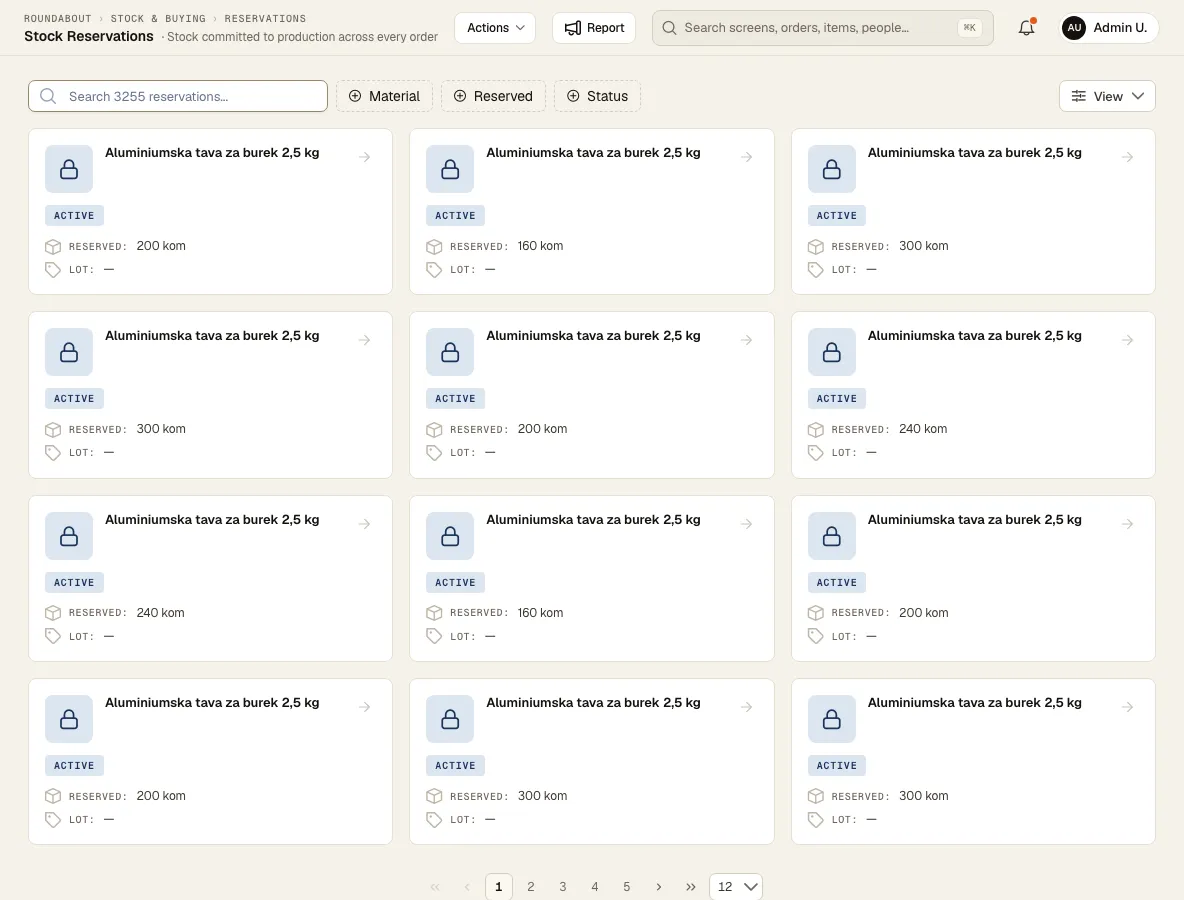
Status is one of Active, Released and Consumed.
Click a reservation to open its material requirement, where you consume it, release it or reserve more.
Still stuck? Write to support@example.com.